You can add a promotional code to your AWS account by following these instructions:

  1. 1 . Open the Credits page of the Billing and Cost Management console.
  2. 2. In the Promo Code box, type the promotional code.
  3. 3. In the box labeled Please type the characters as shown above, type the code.
  4. 4. Choose Redeem.

If the promotional code was typed correctly, is valid, hasn't expired, and hasn't been previously redeemed, it is added automatically to your AWS account.

Adding Promotional Credit

AWS Credit

This workshop will cost around $3 to run. You have $10 credit to add to your account.

Git Credentials issues

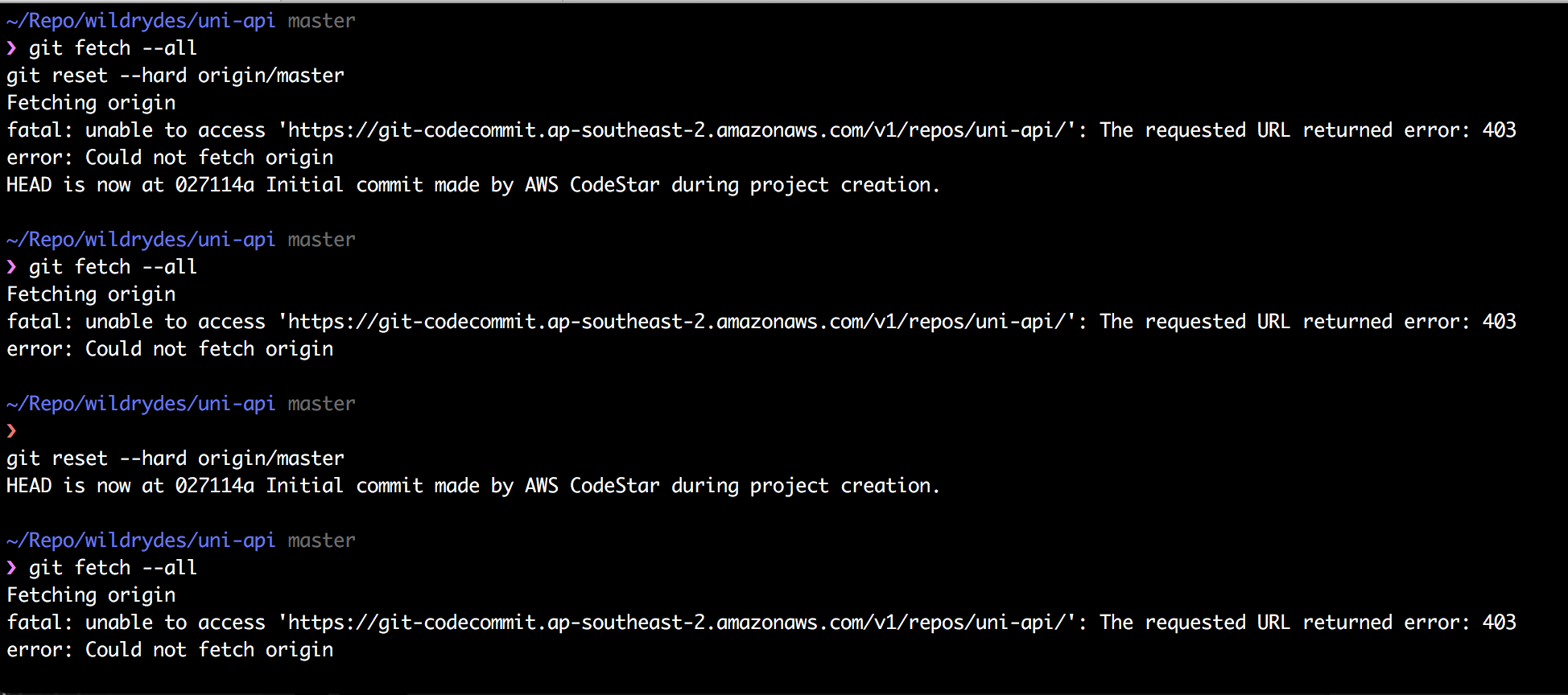
Git 403 Error

For error "The requested URL returned error: 403" when making a pull request, delete git credentials from keychain or Credential manager.

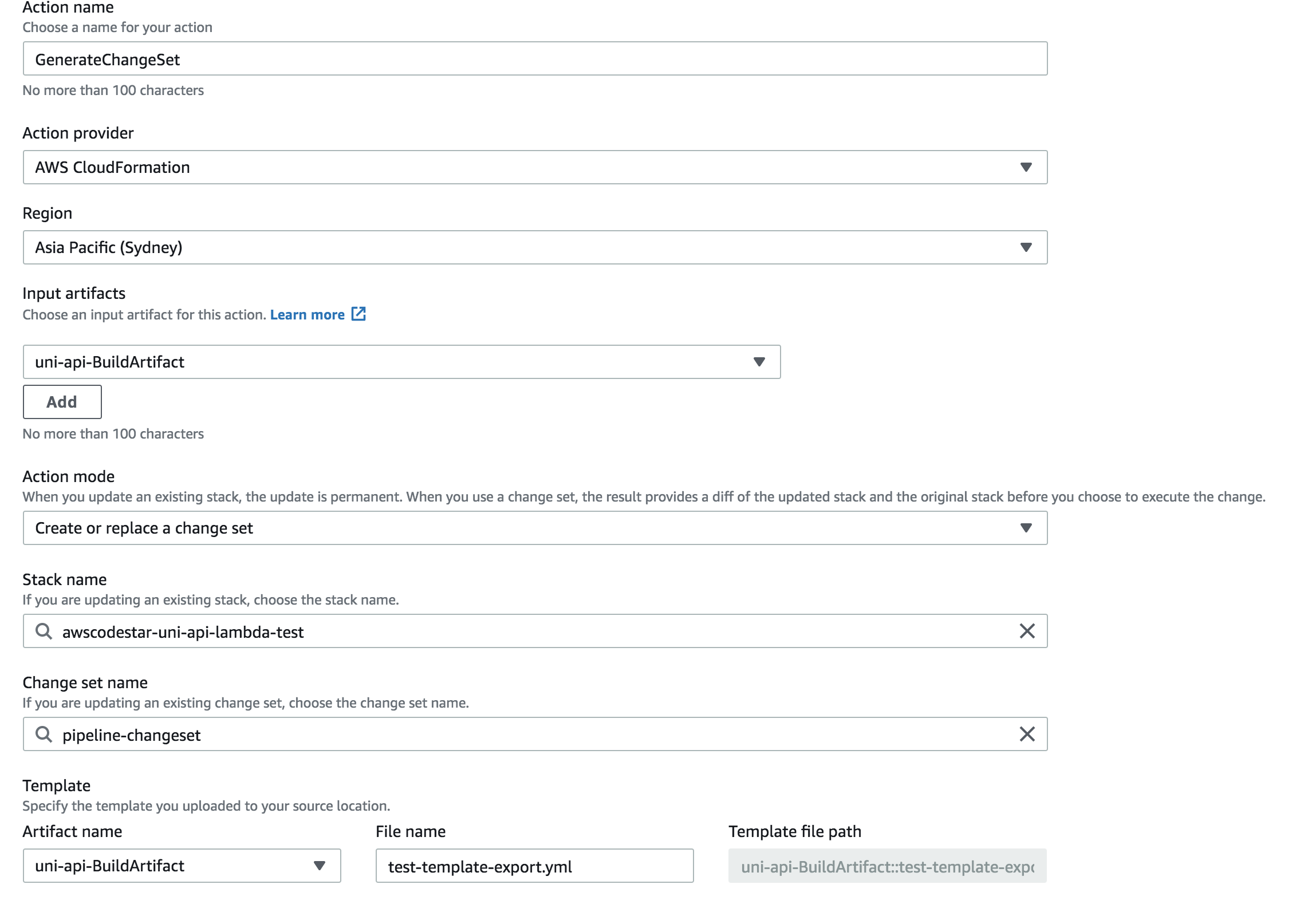
New UI for CodeCommit

New UI in CodeCommit

CodeCommit now has a new UI. The instructions on the workshop hasn't yet been updated, but all the settings are the same. You might need to add more capabilities to run the CloudFormation to run.